Free photo to coloring page
Turn a photo into a coloring page.
Pick a photo of your pet, your house or a favorite place. You get black outlines of the same scene, simple enough to color with crayons.
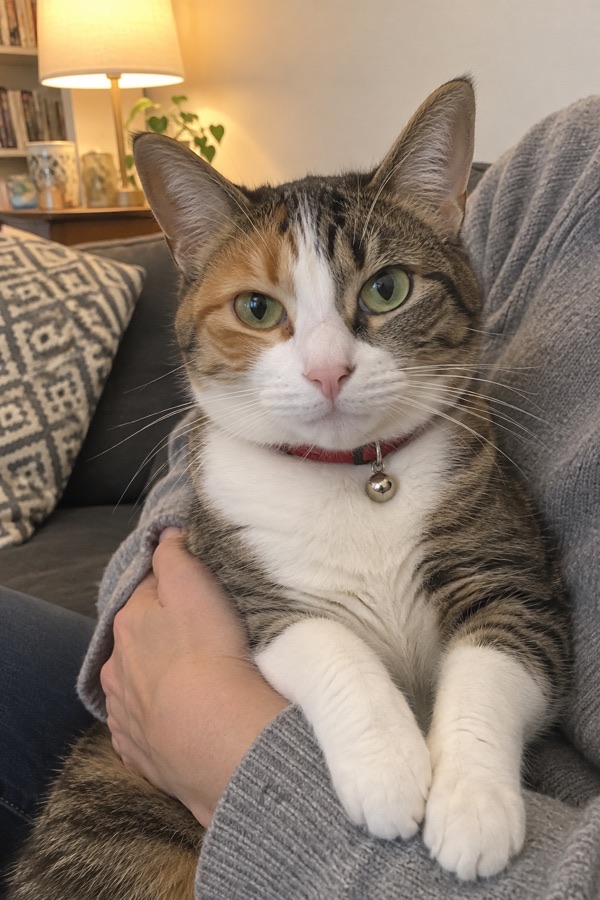
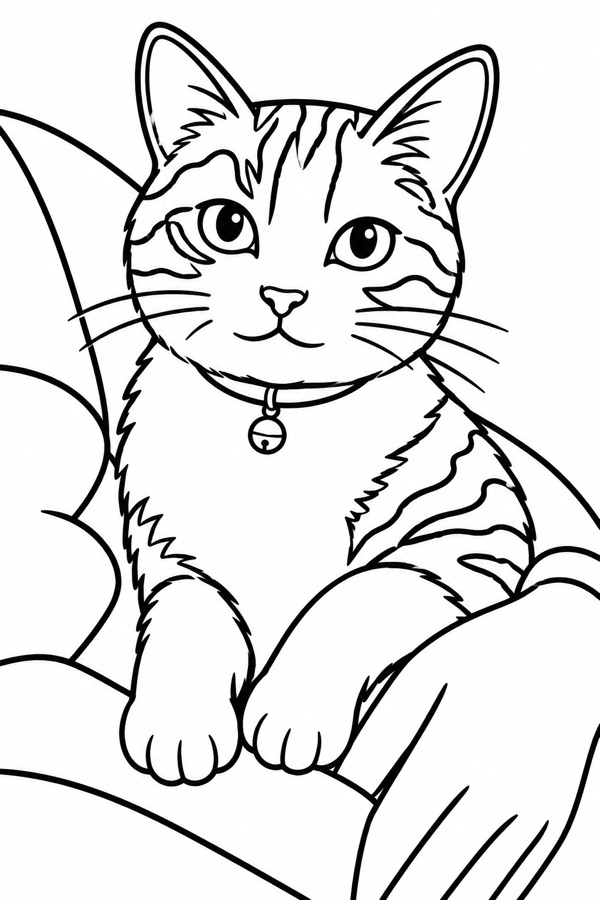
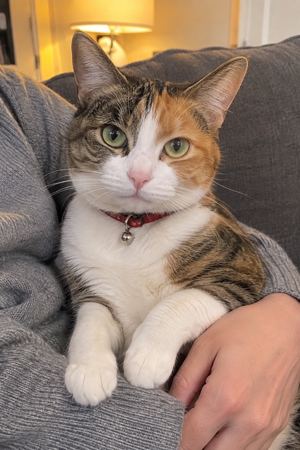
From a phone photo of a cat on someone’s lap. Nothing typed.
Choose a photo
Your photo goes to OpenAI, the company whose model draws the picture. We don't save your photo, only the picture you keep. OpenAI keeps what it is sent under its own policy.
Photos turned into pages
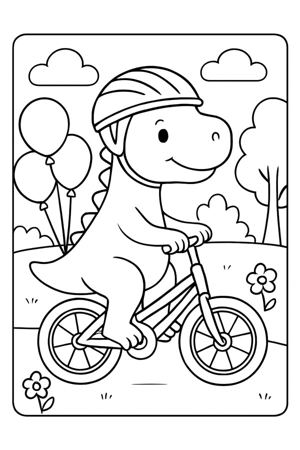
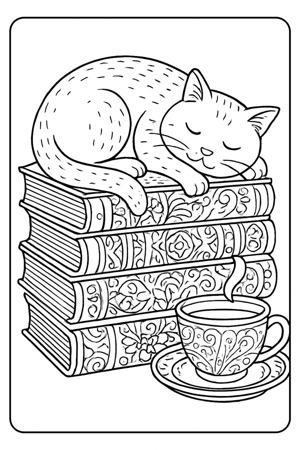
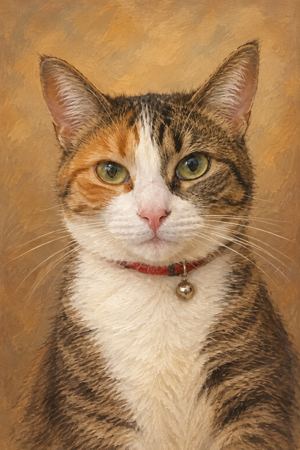
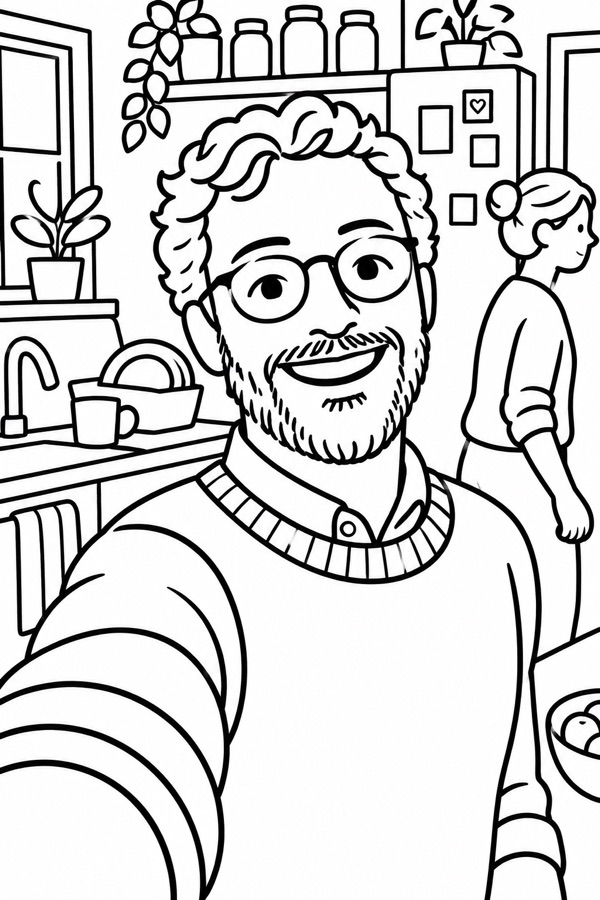
Drawn by this tool from the photo shown. The photos are AI-generated, not real people or pets.
How it works
Pick a photo
One or two main subjects work best: a pet, a house, a car, a view.
Ask for changes
"Simpler, for a 3 year old." "Leave out the background." "Add snow."
Save and print
Tap Save under the page and print it on letter paper.
What you get
- A PNG of black outlines on white, the shape of a letter page
- The same scene as your photo, simplified into big shapes
- Up to 3 drawings per visit: the first one plus two changes
What it can’t do
- Small details (writing on a sign, patterns on clothes) get dropped to keep shapes big.
- Faces become a few simple lines.
- You get 3 drawings per visit, because drawing from a photo costs more to run.
Questions
What photos work best?
Clear photos with one or two main subjects. A dog on a couch works better than a crowded party.
Can I use a photo of my kids?
Please don’t. Use photos of pets, places, things, or yourself.
Do you keep my photo?
Your photo goes to OpenAI, the company whose model draws the picture. We don't save your photo, only the picture you keep. OpenAI keeps what it is sent under its own policy.
Can I make a whole coloring book?
Make one page at a time and print them together. Each visit gets 3 drawings.